← Back to LedgerNest
Privacy Policy
LedgerNest · Version 2026.11.23 · Last updated: 23 November 2026 · Effective: 23 November 2026
This Privacy Policy describes how Niyaan Technologies (“we”, “us” or “our”), the developer of LedgerNest, collects, uses, stores, shares and protects information when you use the LedgerNest desktop application for Windows (including its phone page on your office Wi-Fi and office-network sharing), our licence and update service, and the website ledgernest.co.in (together, the “Services”).
This Policy is published under the Information Technology Act, 2000, the Information Technology (Reasonable Security Practices and Procedures and Sensitive Personal Data or Information) Rules, 2011, and the Digital Personal Data Protection Act, 2023 and the rules made under it, to the extent applicable. By using the Services, you acknowledge that you have read and understood this Policy. If you do not agree, please do not use the Services.
1. The short version
- Your books stay on your PC. The accounting data you enter in LedgerNest is stored on your own computer and is not sent to our servers.
- Backup goes to your own Google Drive. LedgerNest can see only the backup files it creates there.
- We keep a small licence record: your name and e-mail from Google sign-in, your licence key, an identifier of your PC, your plan, payments and your acceptance of the Terms.
- We do not sell your information, show ads, or use your data to train artificial-intelligence models.
2. Definitions
- “Personal Data” means any data about an individual who is identifiable by or in relation to that data.
- “Business Data” means the accounting and business records you enter into or import into LedgerNest, such as company details, ledgers, entries, invoices, bills, stock, bank statements, employee and payroll records, GST and TDS details, and settings.
- “Licence Data” means the information we hold to issue, check and renew your licence, described in section 4.
- “You” or “User” means the person or entity that uses the Services.
3. Our role
- For Licence Data, payment records and support communications, Niyaan Technologies decides why and how the data is processed and acts as the Data Fiduciary.
- Business Data is stored on your computer, on computers of your office network that you connect, and in your own Google Drive. We do not receive it. You decide what is recorded and you are responsible for having a lawful basis to record Personal Data of your customers, suppliers, employees and others, and for giving them any notice they are entitled to.
4. Information we collect
4.1 When you sign in with Google (activation)
- Your name, e-mail address, Google account identifier and whether Google has verified your e-mail. We do not receive your Google password.
- An identifier of your PC generated by the app, the PC name, the LedgerNest version, and the date of activation. From these we create your licence key, tied to your Google account and that PC.
4.2 Licence checks and updates
- When the app checks your licence (at start-up and from time to time when the PC is online) it sends the licence key, the PC identifier and name, the app version and the number of companies and PCs using the licence, so that plan limits can be applied. A stamp inside each company file records the licence it was created with; if the same company file appears on more PCs than the plan allows, the app may report that to our server as a flag. No figures, names of parties or other Business Data are sent.
- The app checks once a day whether a newer version is available. This request contains only the app version.
4.2A Lock keys of your books (Google-protected books)
- LedgerNest locks (encrypts) your books with a separate key for each company - see section 10A. A copy of each company's key is sent to our server and kept with your licence, so that you can open your books on a new PC or another PC of your licence after signing in with the same Google account. On our server the keys are themselves encrypted.
- We keep only the keys, never your books. We use a key only to give it back to a PC of your licence, or, at your request after checking that you are the licence holder, to help you recover your books.
4.3 Acceptance of the Terms
- When you (or another person using LedgerNest on a PC) accept the Terms of Service and this Policy, we record the version accepted, the date and time, the licence key and PC, and the IP address from which the record reached us, as evidence of acceptance. When the Terms change, you may be asked to accept again and a new record is kept.
4.4 Payments
- The licence key, plan, period, amount, date and the UPI transaction reference number (UTR) you enter on our buy page, and the billing name, mobile number, e-mail, state and GSTIN (if any) you give for the invoice. Payments go directly from your UPI app to our UPI account. We do not collect or store card numbers, bank account numbers, UPI PINs or net-banking credentials.
4.5 Support
- The contents of e-mails, WhatsApp messages or calls you send us, and any files you choose to share with us for support. Please do not send your books unless we ask and you agree.
4.6 What we do not collect
- We do not receive your Business Data, except files you choose to send us for support. The lock keys in section 4.2A are not Business Data and cannot be used without a copy of your books, which we do not have.
- The website uses no analytics, advertising or tracking cookies, and no third-party advertising trackers.
- The phone page and office-network sharing work only inside your own network; the data goes between your own devices and not through our servers.
5. How we use information
- to create, activate, check, extend and renew your licence, and to apply the free period and plan limits;
- to verify UPI payments, issue GST invoices and keep accounting and tax records;
- to send service messages, such as activation and payment confirmations, invoices, expiry and renewal reminders, and important changes to the Services or the Terms;
- to keep the Services secure and protect the software from unauthorised copying, cracking or misuse of licences;
- to respond to support requests; and
- to comply with legal obligations and lawful requests of authorities.
We do not sell your information and do not use it for advertising, profiling or marketing to third parties, or to train artificial-intelligence or machine-learning models.
6. Legal basis
We process Personal Data on the basis of your consent, given when you accept the Terms and this Policy, sign in with Google or submit a payment, and for legitimate uses permitted by law, including providing the licence you asked for, complying with law, and protecting the Services. You may withdraw consent at any time (section 12). Withdrawal does not affect processing already done, but we may then be unable to provide or renew the licence. Withdrawing consent does not stop you from opening, exporting or backing up your own books.
7. Google user data
LedgerNest uses Sign in with Google to activate your licence and Google Drive to back up your books. Connecting Google Drive is part of activation, so that every user has an off-PC copy of their books.
7.1 Scopes requested. LedgerNest requests only:
- Basic profile and e-mail address (
openid, email, profile): to know which Google account activated the licence and to show which account is connected for backup.
- Google Drive - only files created by this app (
drive.file): to create a folder named “LedgerNest Backups” in your Google Drive and to upload, list, download and delete only the backup files that LedgerNest created. LedgerNest cannot see, open or change any other file in your Drive.
7.2 Where it happens. Backup files go directly from your PC to your Google Drive. The Google access key is stored only on your PC, protected with Windows' built-in encryption. Our server receives only the sign-in information in section 4.1, to create your licence; it never receives your Drive access key or your backup files.
7.3 Limited use. Google user data is used only to provide sign-in, licence activation, backup and restore features that are visible to you in LedgerNest. It is not sold, not transferred to others except as needed to provide those features or as required by law, not used for advertising, and not used to train artificial-intelligence or machine-learning models. No person at Niyaan Technologies reads your Google data, except with your explicit permission for support, for security purposes, or where required by law.
LedgerNest's use and transfer of information received from Google APIs adheres to the Google API Services User Data Policy, including the Limited Use requirements.
7.4 Revoking access. You can remove LedgerNest's access at myaccount.google.com/permissions. Backup files already in your Drive stay there until you delete them. If Drive backup is disconnected, LedgerNest will remind you to reconnect it and keep making backups on the PC.
8. Sharing and disclosure
- Service providers: Cloudflare, Inc., which hosts our website and the licence and update service and its database; Google LLC, for Sign in with Google and Drive backup; and Brevo (Sendinblue SAS), which delivers our e-mails (and so receives your name, e-mail and the content of those e-mails). They process data on our behalf under their own security and data-protection commitments.
- People you give access to: users you create in LedgerNest and PCs or phones you connect on your network can see your Business Data according to the roles you give them.
- Legal requirements: where disclosure is required by law, by an order of a court or tribunal, or by a lawful request of a government authority, or to protect the rights, property or safety of our users, the public or Niyaan Technologies.
- Business transfer: if the LedgerNest business is merged, acquired or transferred, information may pass to the successor, which will be bound by this Policy or one giving at least the same protection.
- With your consent: in any other case.
9. Where data is stored
Business Data is stored on your own computers (by default in Documents › LedgerNest, or in a folder you choose) and in your own Google Drive. Licence Data and payment records are stored with Cloudflare, which runs data centres in many countries, so they may be stored or processed outside India. Any such transfer is made in accordance with Indian law, including any restriction notified by the Government of India under the Digital Personal Data Protection Act, 2023.
If your business is required by law to keep its books, or backups of them, in a particular place (for example on a server in India), you are responsible for choosing backup locations that meet that requirement.
10. Security
- Encrypted HTTPS for all traffic to the website and to the licence and update service.
- Licences are digitally signed, so they cannot be changed on the PC; the Google access key on your PC is encrypted with Windows' own protection.
- Your books are locked with AES-256 encryption (see section 10A), and login passwords are kept only as a salted, one-way fingerprint, never as readable text.
- Administrative access to Licence Data is limited to persons who need it and protected by Google sign-in and an additional access check.
No method of transmission or storage is completely secure. You are responsible for the security of your PC, your Windows login, your Google account and your office network, and for keeping your backups. If we become aware of a personal data breach that affects you, we will inform you and the authorities as required by law.
10A. Google-protected books (encryption)
- What is locked. Once LedgerNest is activated and online, each company's books are locked with its own key using AES-256 encryption: the working copy inside LedgerNest, the disk copy, every backup on your PC, the backups in your Google Drive, and the books shared on your office network. A locked file cannot be read in Notepad or any other program, and cannot be opened by LedgerNest on a PC that is not on your licence.
- Where the keys are kept. (a) On your PC, protected by Windows for your Windows login; (b) with your licence on our server (section 4.2A); and (c) if you choose, on paper as a recovery key (Settings › Backup & data › Show recovery key).
- Opening on another PC. Sign in with the same Google account that activated your licence; the keys come to that PC and the books open. This needs the internet once.
- What is not locked. The company name is visible in the file name and the file header. A readable copy you export for your CA or auditor (Settings › Backup & data › Export readable copy) is not locked; keep it safe and delete it after use. Excel, PDF and GST / TDS files you export are not locked. Books shared with another PC or phone travel inside your own network unlocked, protected by the office-network passcode.
- Limits. Encryption protects copies of your books that leave your PC or are taken from it. It does not protect against a person using your PC while your Windows account is signed in. Keep a Windows password and lock the screen when you leave the PC.
- Losing the keys. Your books can be opened as long as any one of these is available: the PC, the Google account that activated the licence (with our server), or the printed recovery key. If all of them are lost, a locked backup cannot be opened by anyone, including us.
11. Retention
- Licence Data, including the lock keys of your books, is kept while your licence exists and for as long afterwards as needed to deal with renewals, queries and disputes and to let you open your books. You can ask us to delete the lock keys; after that a locked backup can be opened only on a PC that still has the key or with the printed recovery key.
- Payment and invoice records and records of acceptance of the Terms are kept for the period required under tax, accounting and other applicable laws.
- Business Data on your PC and in your Google Drive is under your control and is never deleted by us. When a licence expires, the books stay on your PC in read-only mode.
12. Your rights
Subject to applicable law, you have the right to:
- access a summary of the Personal Data we process about you and the processing activities;
- correct, complete or update inaccurate or incomplete Personal Data;
- erase your Personal Data, except records we must keep by law;
- withdraw consent for processing based on consent;
- nominate another person to exercise these rights in the event of your death or incapacity; and
- seek redressal of grievances through our Grievance Officer and, after that, before the Data Protection Board of India.
Write to [email protected] from the e-mail address linked to your licence. We may need to verify your identity before acting on a request.
13. Children
The Services are meant for businesses, professionals and students of accounting who can enter into a binding contract. We do not knowingly collect Personal Data of children (persons under 18) without verifiable consent of a parent or lawful guardian. If you believe a child has given us Personal Data without such consent, contact us and we will delete it.
14. Third-party links
The Services contain links to third-party services such as Google, WhatsApp and UPI apps. Their privacy practices are their own; please read their policies.
15. Changes to this Policy
We may update this Policy. The new version will be posted on this page with a new version number and date. If the changes are material, LedgerNest will show the new version and ask you to accept it before you continue working; until then you can still open, export and back up your books.
16. Grievance Officer and contact
For questions, requests or complaints about this Policy or your data, contact our Grievance Officer. We will acknowledge your complaint within 48 hours and aim to resolve it within 15 days.
← Back to LedgerNest
Terms of Service
LedgerNest · Version 2026.11.23 · Last updated: 23 November 2026 · Effective: 23 November 2026
These Terms of Service (the “Terms”) are a legally binding agreement between you and Niyaan Technologies (“we”, “us” or “our”) for the use of the LedgerNest desktop application for Windows, its phone page and office-network features, our licence, payment and update service, the website ledgernest.co.in, and all related updates, documentation and support (together, the “Services”). Payments, renewals, cancellation and refunds are covered in sections 7 to 9 of these Terms.
By downloading, installing or using the Services, you confirm that you have read, understood and agree to these Terms and to our Privacy Policy. If you use the Services for a business, firm or other entity, you confirm that you are authorised to accept these Terms for it, and “you” includes that entity. If you do not agree, do not use the Services.
These Terms are an electronic record under the Information Technology Act, 2000 and the rules made under it, and do not need a physical or digital signature.
1. Eligibility
You must be at least 18 years old and competent to contract under the Indian Contract Act, 1872. A person under 18 may use the Services only under the supervision, and with the consent, of a parent or lawful guardian who accepts these Terms on their behalf.
2. Activation with Google and your licence key
- LedgerNest is activated by signing in with a Google account inside the app. On activation our server creates one licence key, tied to that Google account and that PC. You do not need to type the key; it is shown in the app under Settings › Plan & licence.
- Connecting Google Drive backup is part of activation. You should keep it connected; if it is disconnected, the app keeps backing up on the PC and reminds you to reconnect.
- You must use your own Google account and keep it secure. You are responsible for all use of the Services under your licence key. Tell us at once at [email protected] if you suspect misuse.
- One free period is given per person, per business and per PC. Creating more Google accounts, re-installing, changing PC details or changing the computer's date to get another free period is not allowed.
3. Licence to use
Subject to these Terms and to payment of any fees, we grant you a limited, non-exclusive, non-transferable, non-sublicensable and revocable licence to install and use LedgerNest for your own internal business, professional or educational purposes, on the number of PCs allowed by your plan, during the free period or the paid period.
LedgerNest is licensed, not sold. All rights not expressly granted to you are reserved by Niyaan Technologies.
4. Restrictions, cracking and misuse
You agree that you will not, and will not allow anyone else to:
- copy, modify, translate or create derivative works of the Services or any part of them;
- decompile, disassemble, unpack, reverse-engineer, de-obfuscate or otherwise try to obtain the source code of the Services, except to the extent expressly permitted by law;
- crack, patch or tamper with the software, or create, use or share any key generator, patched copy or tool that removes or bypasses the licence, the free-period limit, the read-only mode, the update requirement or any other control;
- forge, alter or copy licences, licence keys or the stamp inside company files, or change the computer's date or clock to extend a free or paid period;
- copy or share a company file so that it is used on more PCs, or by more businesses, than your plan allows;
- sell, rent, lease, sublicense, distribute or publish the Services, or offer them as a service to others;
- remove, alter or hide any copyright, trademark or other notice, including the credit “Developed by Niyaan Technologies”;
- use automated tools to overload or attack our servers;
- enter content that is unlawful, infringing or contains viruses or malicious code; or
- use the Services to record fictitious transactions, make false invoices or records, evade tax, or for any other unlawful purpose.
A breach of this section may lead to immediate blocking of the licence key, without refund, in addition to any other remedy available to us under the Information Technology Act, 2000, the Copyright Act, 1957 or any other law.
5. Free period and free limits
- Offer up to 31 December 2026. If your licence key is created on or before 31 December 2026 (as recorded by our server, Indian Standard Time), you may use every feature free for 365 days from the date of creation.
- From 1 January 2027. Licence keys created on or after 1 January 2027 get a free period of 30 days, or any other period shown on our website on the day the key is created.
- Free limits. During the free period LedgerNest may be used on 1 PC with 1 company. The phone page on your own Wi-Fi is allowed. Office-network sharing between PCs is available only on paid plans that include more than one PC.
- We may change the length or limits of the free offer for licence keys created after the change. A change does not shorten a free period that has already started.
6. Paid plans
- Paid plans (Lite, Plus, Pro and Ultra) are offered monthly, quarterly (3 months) or yearly at the prices shown on our website on the day of payment. Plans differ by the number of PCs (Lite 1, Plus 3, Pro 5, Ultra 10); every plan has all features and unlimited companies. Plans with more than one PC include office-network sharing.
- When a payment is checked, your same licence key is extended. The plan's features (number of PCs, office network, unlimited companies) start at once. If you are on the free period, the free period ends and the plan runs from the date the payment is checked; if you renew a paid plan, the new period continues from the end of the current one. A plan runs until the same date and time one month, three months or one year later. Where that date does not exist in the ending month, the plan ends on the last day of that month.
- No automatic renewal. Plans do not renew on their own and no money is taken from you unless you pay again.
- Prices are in Indian Rupees. Applicable taxes, if any, are charged as shown at the time of payment. We may change prices for future periods; a change does not affect a period you have already paid for.
7. Payment
- To buy or renew, click Subscribe in LedgerNest (Settings › Plan & licence), or open the buy page on our website and enter your licence key. If you have not installed LedgerNest yet, enter the Gmail (Google account) you will use to sign in; the paid plan is added when that Google account activates LedgerNest (the free period does not apply), and its period starts on the day of activation or 30 days after the payment is checked, whichever is earlier. Please check the Gmail carefully. Pay by UPI using the QR code or UPI ID shown, then enter the UPI transaction reference number (UTR) and your invoice details and submit.
- We check each payment, normally within one working day. When it is confirmed, your licence key is extended and a GST-compliant invoice from Niyaan Technologies is sent to you. The app picks up the extension the next time the PC is online.
- Where we offer another online payment method, your card, bank or UPI details are entered on that provider's secure page and are not seen or stored by us.
- Pay only from a bank account, card or UPI ID you are authorised to use. Entering a false, duplicate or someone else's UTR is a breach of these Terms; any extension given on it will be reversed and the key may be blocked.
8. Cancellation and delivery
- LedgerNest is software delivered online. Nothing is shipped. The installer can be downloaded at any time from our website; what you buy is the extension of your licence key.
- If your key is not extended within one working day of a valid payment, write to us with your UTR and we will extend it or refund the payment in full.
- As plans do not renew automatically, there is nothing to cancel to stop future charges. You may stop using LedgerNest at any time; stopping part-way through a paid period does not entitle you to a refund for the unused part, except as set out in section 9.
9. Refunds
As a free period is given to try LedgerNest before paying, fees once paid are non-refundable, except in these cases, where we refund the amount in full:
- Duplicate payment: you paid twice for the same plan and period;
- Payment in error: you paid for the wrong plan and tell us within 7 days of payment (we may instead move the amount to the correct plan);
- Paid but not extended: the money left your account but your key was not extended within one working day; or
- where a refund is required by applicable law.
To ask for a refund, write to [email protected] or WhatsApp +91 97978 40108 with your licence key, the date, the amount and the UTR. We reply within 2 working days. An approved refund is made to the same payment method within 5–7 working days of approval; when a refund is made, the related extension is reversed and a credit note is issued against the invoice. Money debited for a failed payment is normally reversed by your bank within 5–7 working days.
10. When the free period or a plan ends: read-only
When the free period or a paid plan ends and is not renewed, LedgerNest becomes read-only. You can still open your books, view and print reports, export them and take backups, but you cannot add, change or delete entries, create companies or use office-network sharing, until you renew. Your books are not deleted. Full use returns as soon as a renewal payment is confirmed and the PC is online.
11. GST and TDS features (Beta)
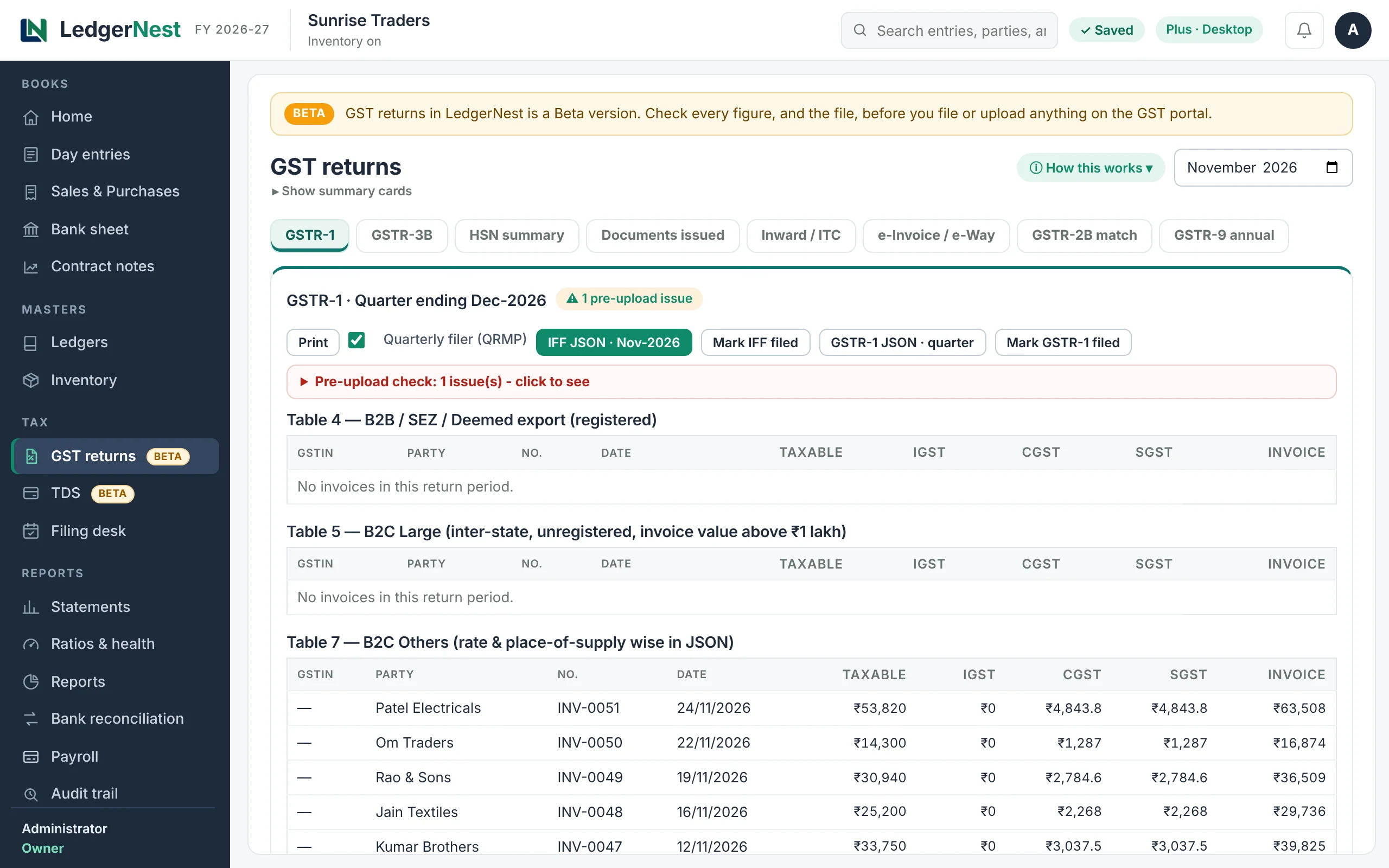
The GST and TDS features of LedgerNest - including GSTR-1 and GSTR-3B working, GSTR-1 JSON files, the TDS register, Challan 281 details, 26Q / 24Q working, Form 16 and files for the File Validation Utility - are provided as a Beta version. They are still being tested and improved and may contain errors or omissions.
- Before filing, uploading or paying anything on the GST portal, the Income Tax / TRACES portal or any other government portal, you must check every figure, rate, section, party detail and file against your records and the portal's own validations. LedgerNest asks you to confirm this before each export.
- Government formats, schemas, rates and due dates change from time to time and LedgerNest may not reflect a change immediately.
- We are not responsible for any tax, interest, late fee, penalty, notice or mismatch arising from a return or file prepared with the Beta features.
12. Professional responsibility and statutory compliance
LedgerNest is a tool to help you keep accounts and prepare working papers, reports, GST and TDS information and financial statements. It does not give accounting, tax, legal or financial advice, and it does not file returns on any government portal for you.
You alone are responsible for your books of account, the correctness of figures, the choice of tax rates and treatments, the preparation and timely filing of returns, payment of taxes, keeping books and backups where the law requires, and compliance with the Income-tax Act, GST laws, the Companies Act and any other law. Review all figures, and consult a qualified professional, before relying on them.
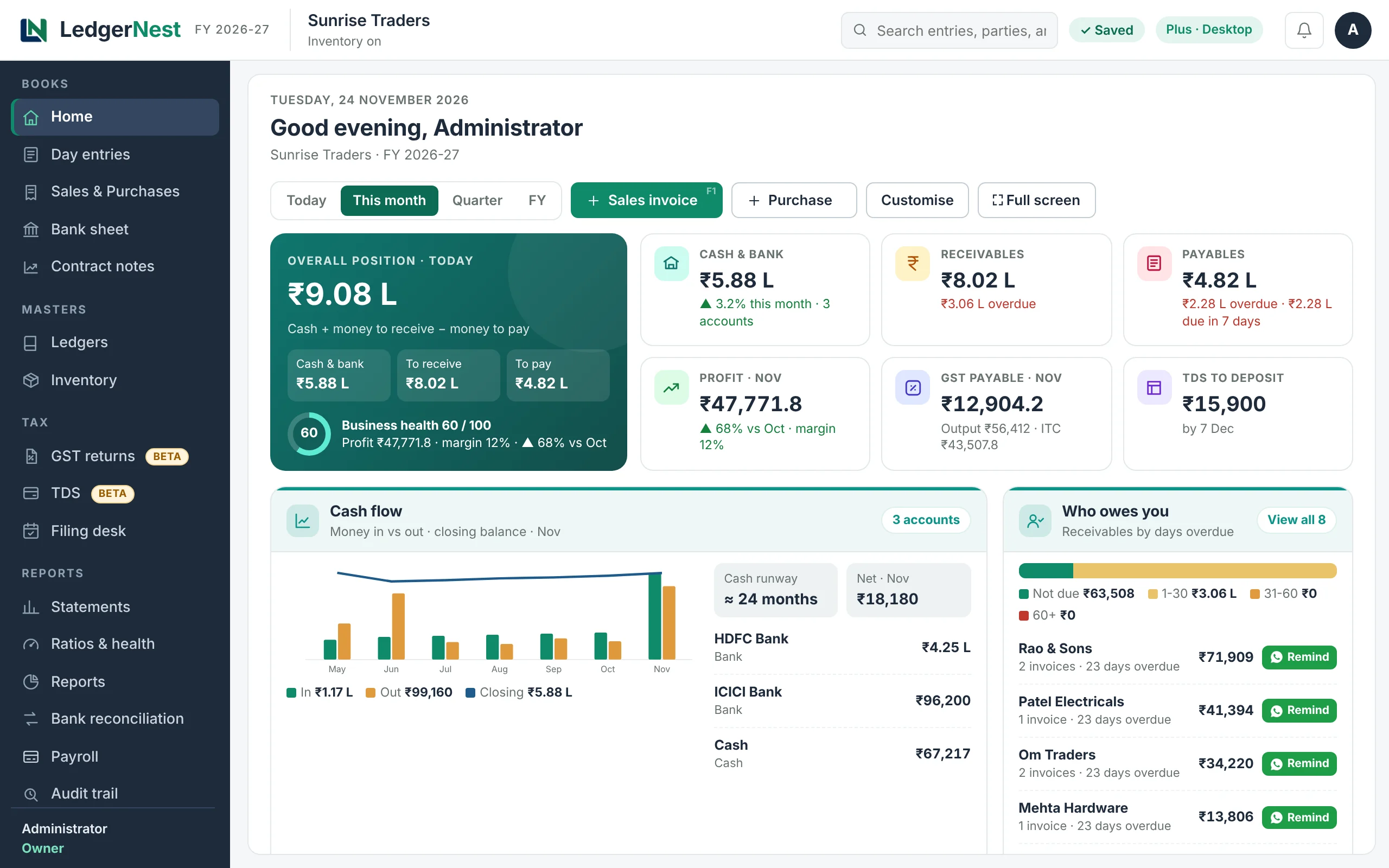
Indicative information. Dashboard figures, ratios, the business health score, cash-flow and runway figures, estimated advance tax, compliance calendars, due dates, reminders and similar summaries are worked out automatically from your entries and general rules. They are indicative only, may be incomplete or out of date, and are not advice.
Government utilities. The LedgerNest TDS Helper only runs the File Validation Utility (FVU) of Protean eGov Technologies Limited as supplied by Protean; it is not made, owned or supported by Protean or the Income Tax Department. Validation of a file does not mean that its contents are correct.
13. Your data and backups
- Ownership. You keep all rights in the Business Data you enter. It is stored on your PC and in your own Google Drive; we do not receive it, except files you choose to send us for support.
- Responsibility. You are responsible for the accuracy and legality of your Business Data and for having the rights and consents needed to record personal information of others.
- Where the books are kept. LedgerNest keeps your books inside the app on your PC, writes a disk copy of every company after every change, and makes automatic backups (one a day, last 30; one a month, last 12) in the folder Documents › LedgerNest, or in another folder you choose in Settings › Backup & data. A copy is also uploaded every day to your own Google Drive. A plain-text backup guide is saved in that folder.
- Your backup duties. You must: (a) keep Google Drive backup connected; (b) at least once a month copy your LedgerNest folder to a separate pen drive, external disk or other safe place; (c) copy that folder before formatting the PC, re-installing Windows, repairing or giving away the PC; (d) not edit, move or delete files in that folder by hand; and (e) check from time to time that recent backups exist (Settings › Backup & data). If the law requires your books or backups to be kept in a particular place or for a particular period, choosing and keeping that location is your responsibility.
- Encryption. LedgerNest locks your books and backups with AES-256 encryption as described in section 10A of the Privacy Policy. To open them on another PC you need the Google account that activated your licence, or the printed recovery key. You must keep access to that Google account, and you should print the recovery key and keep it in a safe place. Anyone who has the recovery key and a copy of your books can read them.
- Restoring. Books can be restored from any backup in Settings › Backup & data; LedgerNest keeps a safety copy of the books as they were before each restore. A locked backup opens on a PC of your licence, or with the recovery key. We can guide you on WhatsApp or e-mail, but we do not hold a copy of your books and cannot restore them for you.
- Loss of data. We are not responsible for data lost through failure, theft or reset of your PC or disk, deletion or editing of files outside LedgerNest, antivirus or other software, a disconnected or full Google Drive, a lost Google account, a lost Google account together with a lost PC and recovery key, or not following the backup duties above.
- Export. You can export your books at any time, including in read-only mode. A readable (unlocked) copy is available to the Super Admin for giving to your CA or auditor; you are responsible for keeping it safe.
14. Updates
- LedgerNest checks for updates and lets you install them in one click. Updates may fix problems, improve security, follow changes in law, or add, change or remove features.
- We may set a minimum version. If your version is older, LedgerNest may ask you to update before you can continue entering data; you can still open, export and back up your books.
- The licence check and updates need an internet connection from time to time. If the PC stays offline for a long time, LedgerNest may ask you to go online once to confirm the licence.
15. Google Drive and third-party services
Some features rely on third-party services, such as Google sign-in, Google Drive, UPI apps, WhatsApp and our hosting provider. Your use of them is also governed by their own terms. We are not responsible for their availability, security or acts, and we may change or stop supporting any third-party integration.
16. Support
Support is provided by e-mail and WhatsApp during reasonable business hours on working days. We may need you to share screenshots or, with your agreement, a copy of a company file to resolve a problem.
17. Intellectual property
The Services, including the software, source code, design, screens, text, graphics, logos, the name “LedgerNest” and all related rights, are owned by Niyaan Technologies or its licensors and are protected by the Copyright Act, 1957, the Trade Marks Act, 1999 and other laws. Nothing in these Terms transfers these rights to you. If you send us feedback, we may use it without any obligation to you.
18. Disclaimer of warranties
To the maximum extent permitted by law, the Services are provided “as is” and “as available”, without warranties of any kind, express or implied, including merchantability, fitness for a particular purpose, accuracy or non-infringement. We do not warrant that the Services will meet every need of your business, be free of errors, or that any calculation, report, return or file prepared with them will be complete or correct.
19. Limitation of liability
- Niyaan Technologies is not liable for any indirect, incidental, special, consequential or punitive damages, or for any loss of profit, revenue, business, goodwill or data, or any tax, interest, penalty or late fee, arising from the Services, even if advised of the possibility.
- Our total liability for all claims relating to the Services or these Terms is limited to the fees you actually paid us in the twelve (12) months before the event giving rise to the claim. If you used only the free version, our total liability is limited to ₹1,000.
- We are not liable for loss caused by entries, figures, rates or settings that you or your users choose; returns, payments or filings made or not made by you; failure to keep or check backups; loss or theft of your PC, devices or Google account; your network, office PCs or internet; or any government portal, utility, bank, payment provider or other third-party service.
- These limits apply to every kind of claim and also protect our proprietor(s), employees and partners. Nothing in these Terms limits liability that cannot be limited by law.
20. Indemnity
You agree to indemnify Niyaan Technologies, its proprietor(s), employees and partners against any claim, loss, liability, penalty or expense (including reasonable legal fees) arising from your breach of these Terms, your misuse of the Services, your Business Data, or your breach of any law or of any third party's rights.
21. Suspension and termination
- You may stop using the Services at any time and uninstall LedgerNest. Your books stay on your PC and in your Drive.
- We may block a licence key, with or without notice, if you breach these Terms (in particular sections 2, 4 or 7), if required by law, or to protect the Services. A blocked key works only in read-only mode, so that you can still export your books.
- Sections that by their nature should survive, including sections 4, 11, 12, 13, 17, 18, 19, 20, 23 and 24, survive termination.
22. Force majeure
We are not liable for delay or failure caused by events beyond our reasonable control, including natural disasters, epidemics, fire, flood, war, riots, government action, power or internet outages, failure of hosting or third-party services, or cyber-attacks.
23. Governing law and disputes
These Terms are governed by the laws of India. The parties will first try to settle any dispute amicably, starting with a written notice to the other party. If it is not settled within thirty (30) days, it is subject to the exclusive jurisdiction of the courts at Ahmedabad, Gujarat, subject to any rights you have under the Consumer Protection Act, 2019 that cannot be excluded.
24. General
- Entire agreement. These Terms, the Privacy Policy and the plan details shown at the time of payment are the entire agreement between you and us about the Services.
- Acceptance and changes. Each person who uses LedgerNest on a PC may be asked to accept these Terms. We record the version accepted, the date and time and the licence and PC, as described in the Privacy Policy. We may change these Terms; the new version is posted here with a new version number and date. When we make a material change, LedgerNest shows the new version and asks you to accept it before you continue entering data; until you accept, you can still open, export and back up your books.
- Severability. If any provision is held invalid, the rest remain in force.
- No waiver. Our failure to enforce a right is not a waiver of it.
- Assignment. You may not transfer these Terms or your licence without our written consent. We may assign them on a merger, acquisition or transfer of the LedgerNest business.
- Notices and service messages. We may send notices and service messages (activation, payments, invoices, expiry and renewal reminders, security and important changes) to the e-mail of the Google account linked to your licence, by WhatsApp or SMS to the mobile you give us, or inside LedgerNest. These are not marketing messages. You may send notices to [email protected].
- Users you create. You are responsible for the users, PCs and phones you allow to use your books, and for their use of the Services.
25. Grievance Officer and contact
For questions or complaints about these Terms or the Services, contact our Grievance Officer. We will acknowledge your complaint within 48 hours and aim to resolve it within 15 days.